
Cosmic Kitty
A black cat under a turning sky of stars, with tonight’s moon beside the time. And for your phone, the same sky as a live wallpaper and a clock widget.

For Wear OS 5 or newer. Its phone app, for Android 9 or newer, comes with it.
A black cat under the night sky
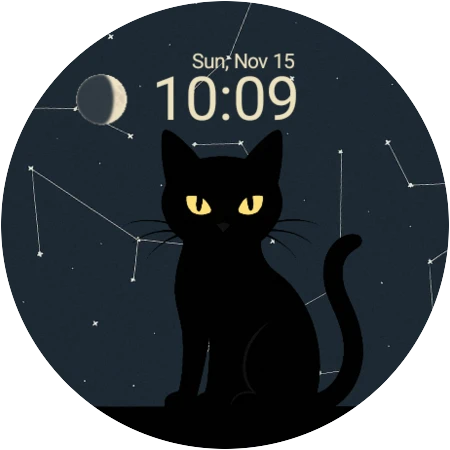
A sleek black cat sits under a deep blue sky of constellations, with the time and date above in big, warm type. It’s made for round watches.
Tonight’s moon
The moon beside the time shows tonight’s phase, from new to full and back.
Turning stars
The constellations turn slowly with the minutes, once round every hour.
Eyes that follow
The cat’s yellow eyes glow, and shift a little as you tilt your wrist.
Your clock
12 or 24-hour time, as your watch is set, with the day and date.
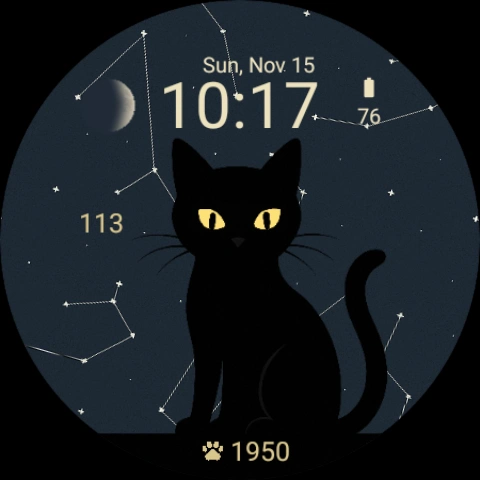
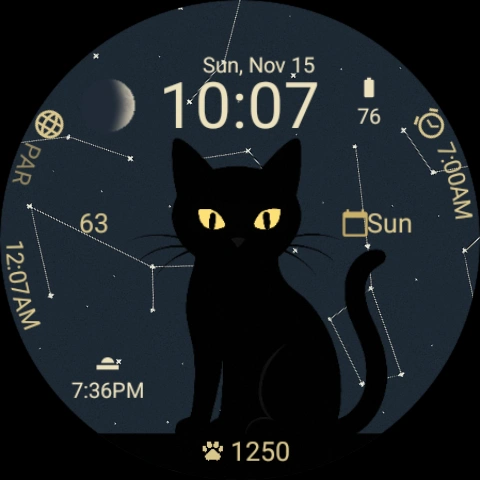
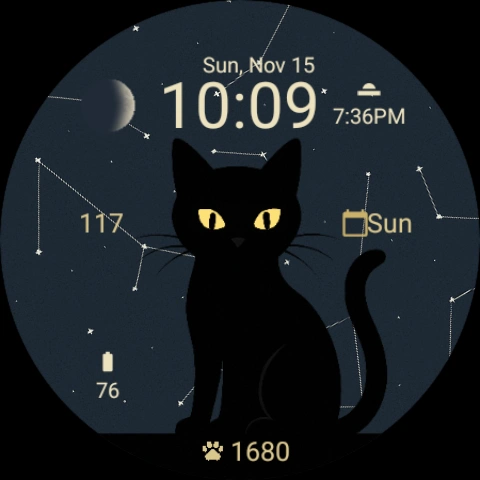
Seven slots for what you need
Your steps sit under the cat, by a little paw. Battery and heart rate fill two more slots to start, and four start empty, ready for whatever your watch and its apps can show, such as the sunset, your next alarm or a world clock.
-
Make it yours
Touch and hold the face and choose to customise it, then pick what each slot shows. The steps stay put; the other six are yours to change.
Dark when your wrist is down
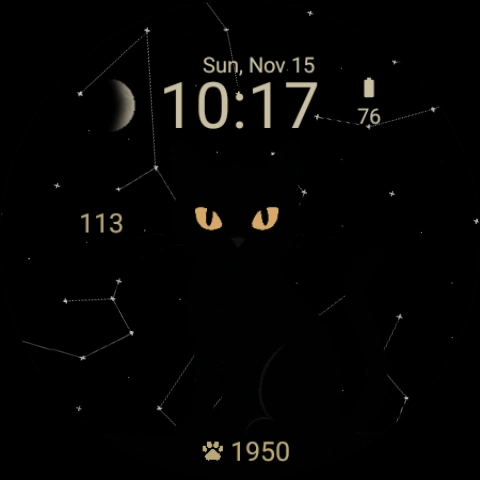
In always-on mode the sky turns black, with fainter stars of its own. The moon, the time, your complications and the cat’s amber eyes stay on show.
The same sky on your phone
Cosmic Kitty comes with a phone app, Cosmic Kitty Installer. It puts the watch face on your watch with one tap, and has three extras for your phone, free.
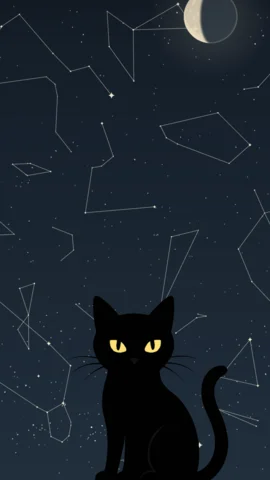
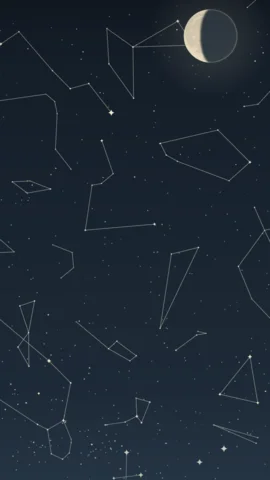
The face’s sky, or the real one
The watch face’s own constellations, or Real Sky: the stars above you right now, down to the faintest you can see on a dark night, with their constellation lines.
Tonight’s moon, or one you keep
Show tonight’s phase, or pick one of eight phases and keep it whatever the date.
The widget your way
Its own sky and moon, a border (none, a rim or a soft shadow), or no sky at all behind the moon and cat. Make it bigger or smaller on your home screen.
Home and lock screens
Set either wallpaper on your home screen, your lock screen or both. It only draws while it’s on screen.
Real Sky never asks where you are. It starts from your time zone’s city, and you can pick another city or enter coordinates instead. Your choices stay on your phone. Setting them up
On your watch in three steps
Get Cosmic Kitty from Google Play on your phone.
Open Cosmic Kitty Installer and tap Install on Watch. The Play Store opens on your watch at Cosmic Kitty: install it there.
Touch and hold your watch face, then add Cosmic Kitty.
You can also install it from the Play Store on your watch. More on installing
Made in Australia
Cosmic Kitty is made by William Termini (ABN 47 283 458 067), a sole trader in Australia.
- Watch
- A watch with Wear OS 5 or newer. The face is made for round screens.
- Phone
- The phone app needs Android 9 or newer. To install from it, your phone and watch need to be connected and signed in to the same Google account. The live wallpapers need a phone that can show live wallpapers.
- Languages
- The phone app is in English, French, German, Italian, Japanese, Korean, Portuguese and Spanish.
- Privacy
- No account, no tracking and no ads, and the phone app has no internet access. Privacy policy
- Help
- Support has the answers to common questions, or email watchfaces@termini.me.